Have you ever found yourself working from a public wifi and you wanted to bring the privacy of your residential NAT router with you? This is for you.
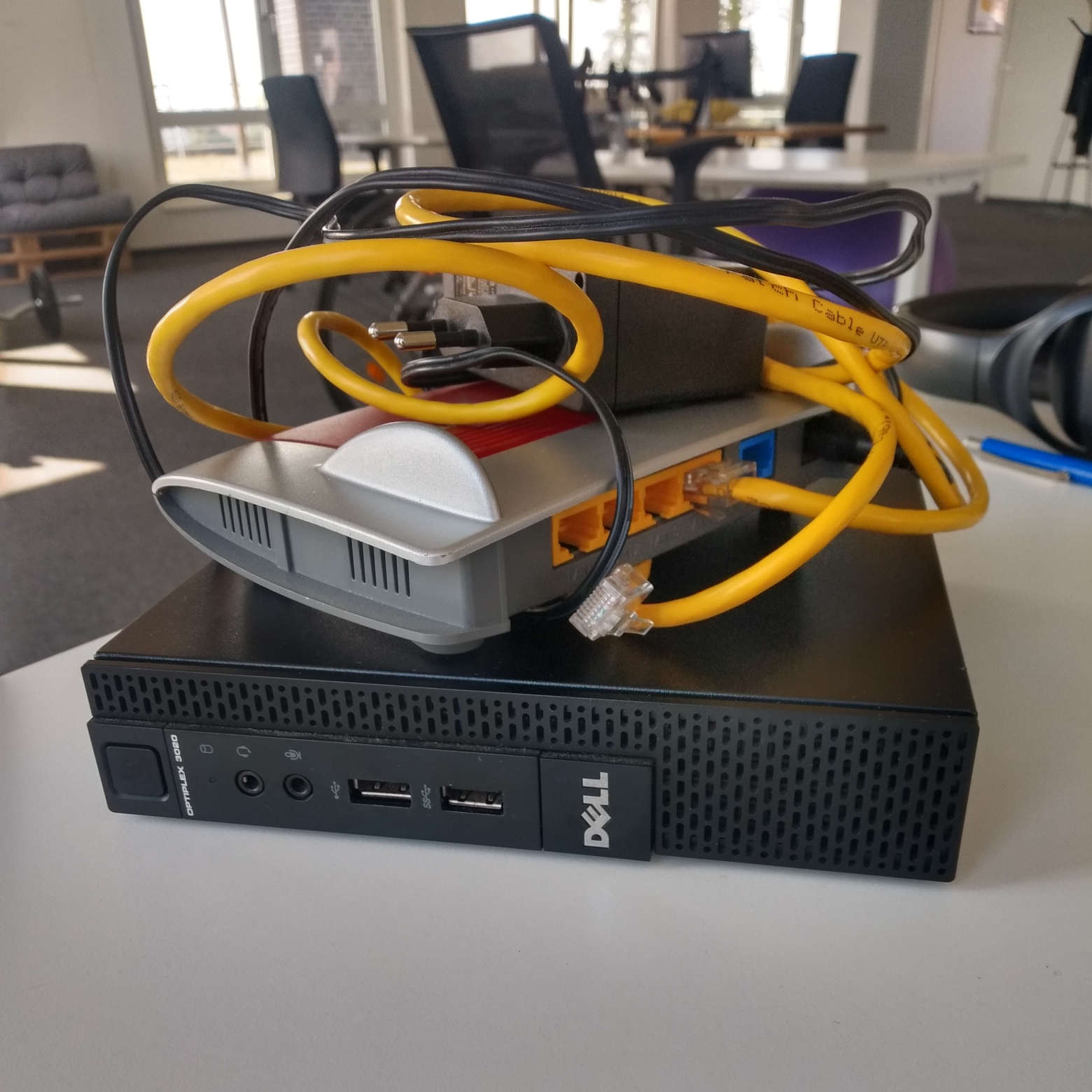
In the picture you see a somewhat dated Fritz!Box 4020 and a Dell Optiplex in its smallest form factor. Both can be aquired on ebay for less than 100 Euros. Given the current shortage of Raspberry Pis on the market, the Optiplex series is a good alternative for your projects.
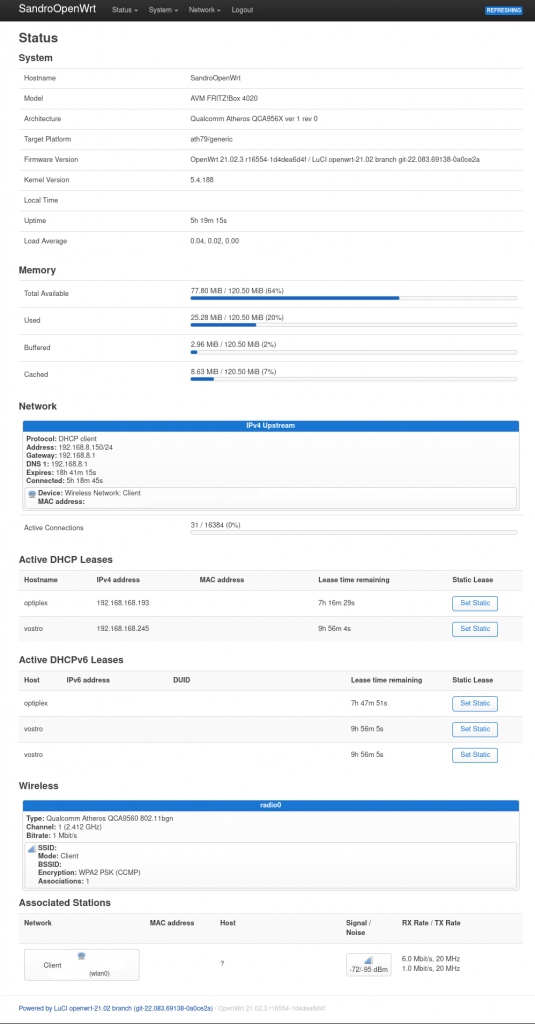
The goal is to turn the Fritz!Box into a WWAN (wireless wan) router with OpenWRT. That means the WLAN interface will be your uplink, comparable to your DSL modem at home. You will also get a private subnet on the ethernet ports where you can connect all your additional devices like your notebook and the aforementioned server. They will have connectivity among themselves and to the broader internet without compromising your security.
Usually the Wifi adapter on your router is acting as an access point. Our setup will require the wifi adapter to run in client mode. If you now think to yourself, this must be very difficult to set up. I can assure you it’s not and in fact it is merely a push of a button thanks to the awesome sane defaults of the OpenWRT firmware. It took me just as long to flash the device as it took me to enable WWAN.
This makes for a perfect weekend project with the upside to learn more down the road about networking, routing and firewalls.
Thanks for the Blog 👍🏻